Hand made assets and presets for the free 4i plugin

Looks, effects, fonts and more made by 4i or uploaded and shared by users. Goes into your timeline in one click with the free 4i plugin.

Download the 4i plugin
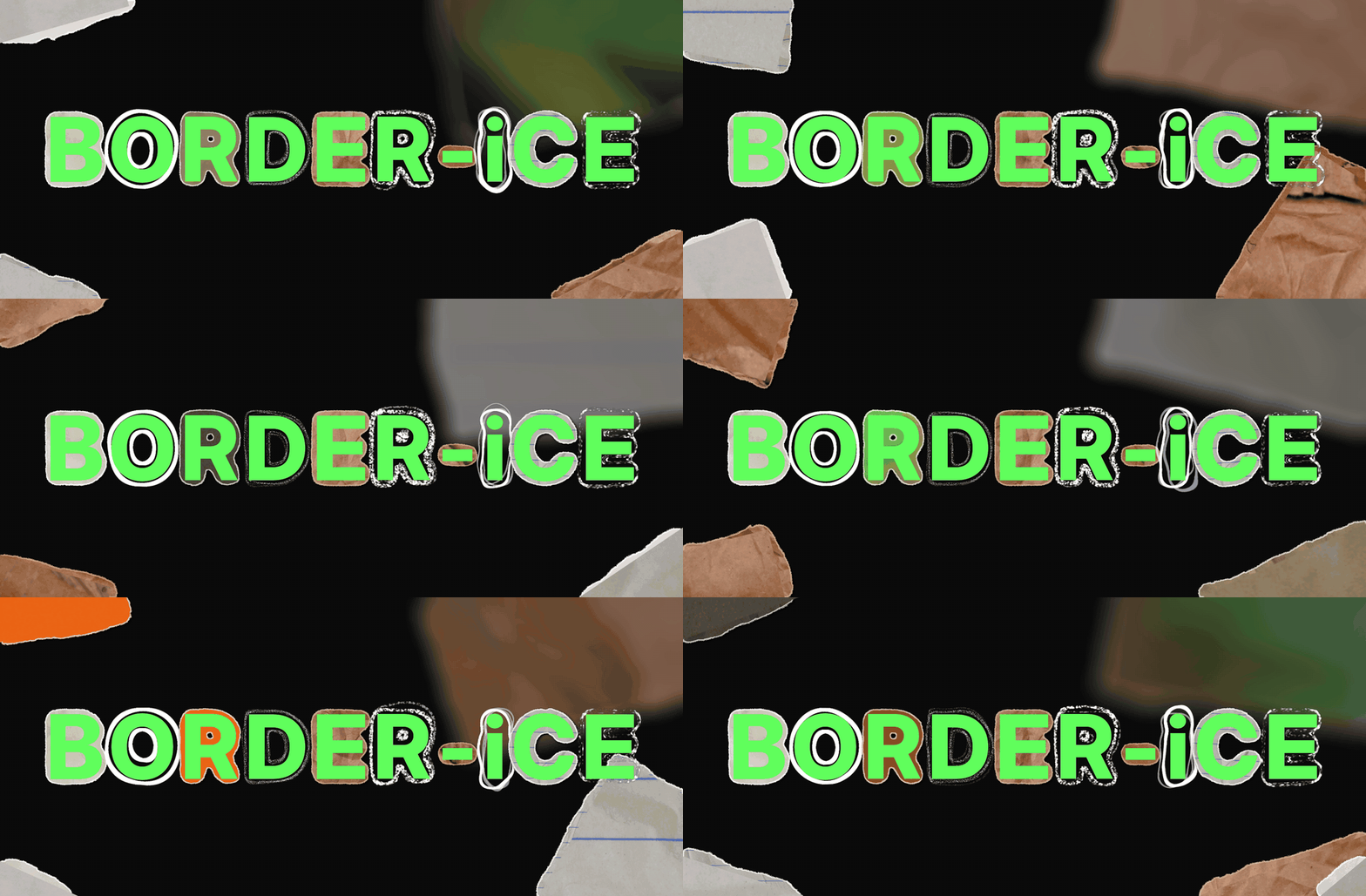

  • from 4iBorder-iCE
    Border-iCEBy 4i · FX packsFree
  • from 4iStyle-iCE
    Style-iCEBy 4i · FX packsFree
  • from 4iScribbles
    ScribblesBy 4i · Asset packsFree
  • from 4iSpoilers
    SpoilersBy 4i · Asset packsFree
  • from 4iWeapons
    WeaponsBy 4i · Asset packsFree
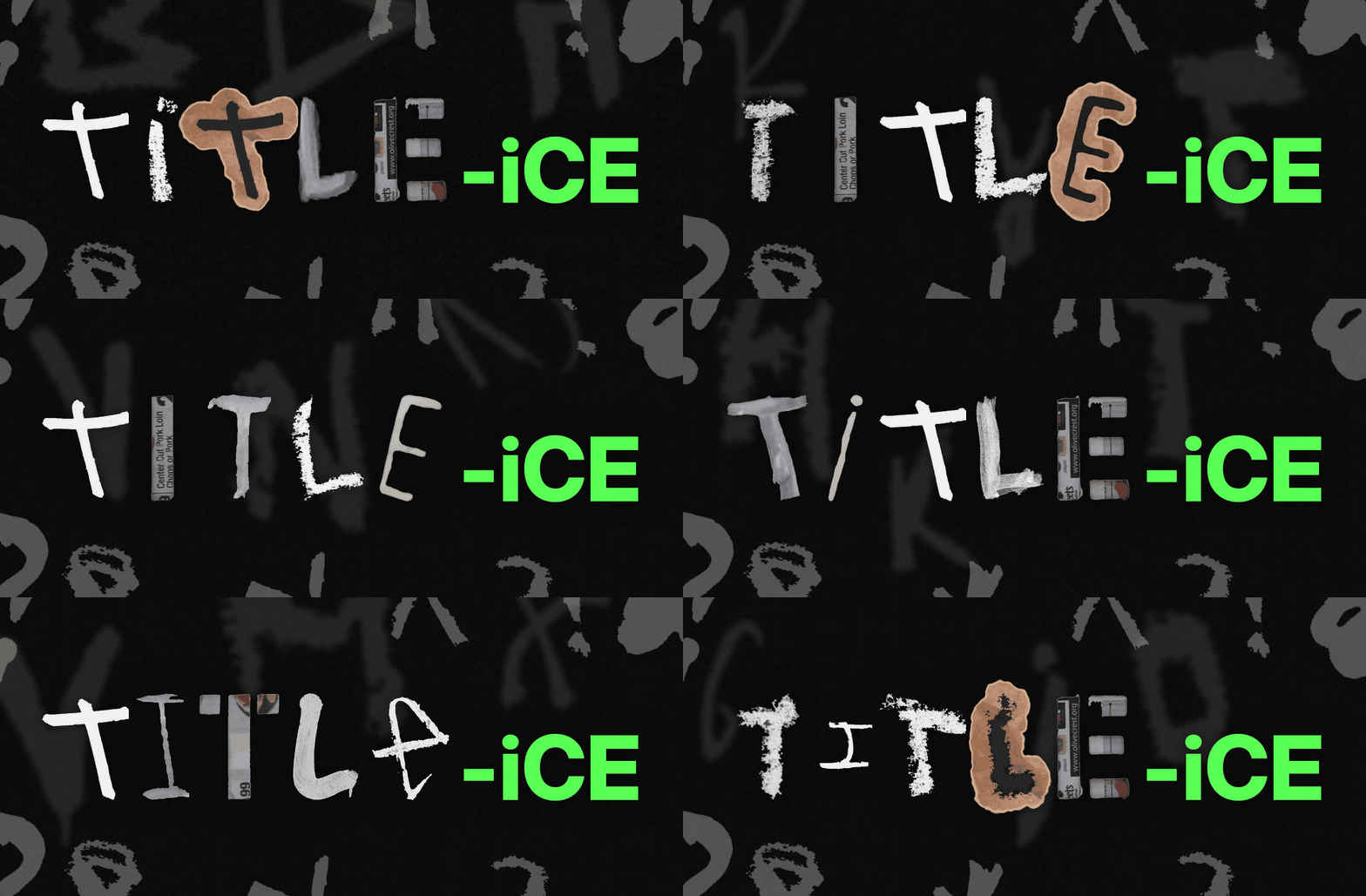
  • from 4iTitle-iCE
    Title-iCEBy 4i · FX packsFree

Share your own

Built a look you love? Put it in the Marketplace.

Upload effects presets in After Effects
  1. In After Effects, select the layers you built (adjustment layers, textures, your footage).
  2. In the 4i plugin, open Style-iCE and click Add selected layers as a preset.
  3. Click Make public? under it. It goes live after a quick automatic check.
Log in to upload or edit asset packs
  1. Log in to your 4i account.
  2. Open Account › Marketplace and click Upload.
  3. Add your files (a zip of your assets), a cover image, a name and a short description, then submit. It goes live after a quick check.
  4. To change one later, open it in Account › Marketplace and click Edit.