4i Plugin
for Editors
Premiere Pro and After Effects 2023 or newer · Free with a 4i account
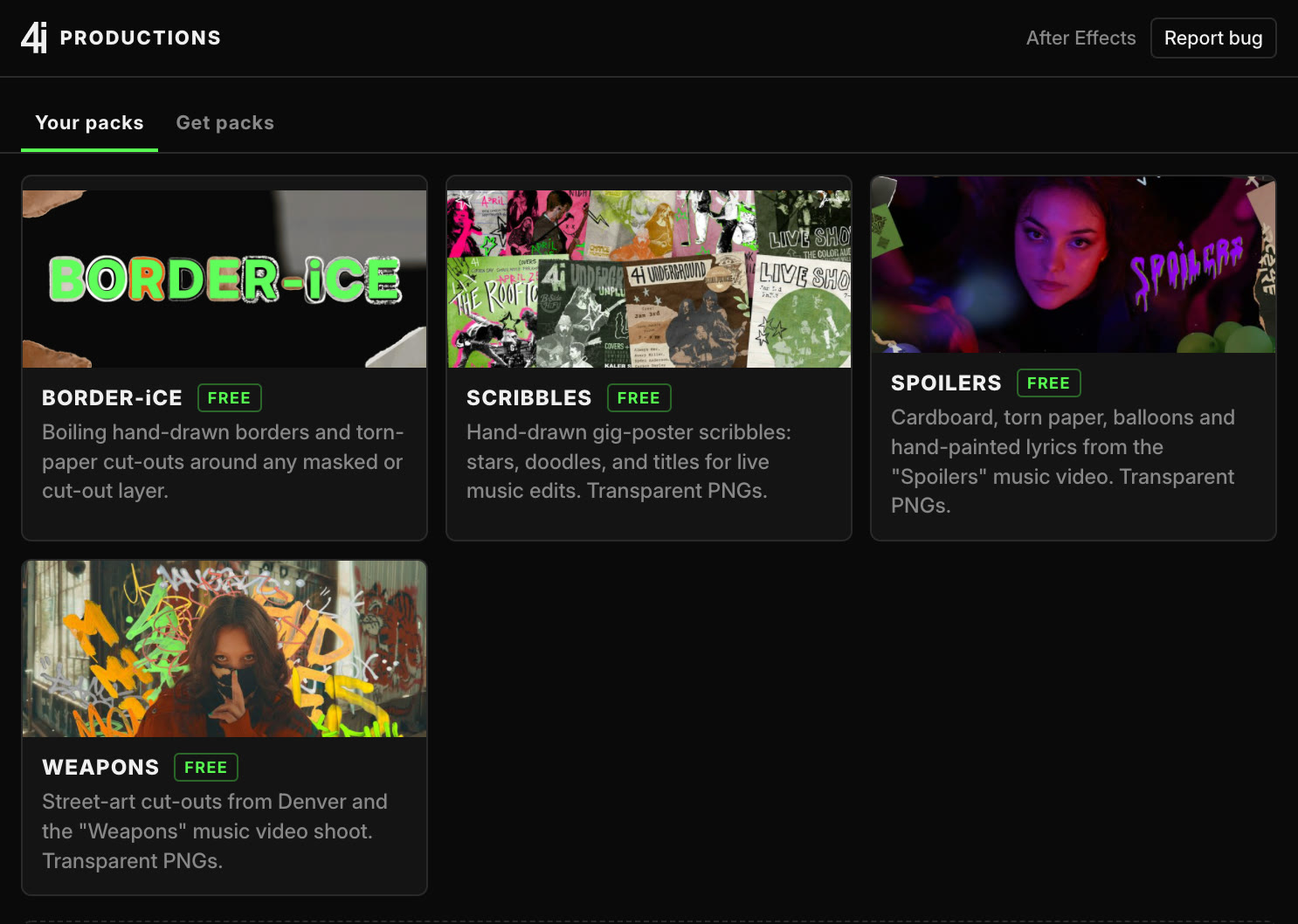
Free packs and tools for After Effects and Premiere, dropped straight into your comp.
Premiere Pro and After Effects 2023 or newer · Free with a 4i account
Free packs and tools for After Effects and Premiere, dropped straight into your comp.
Asset packs
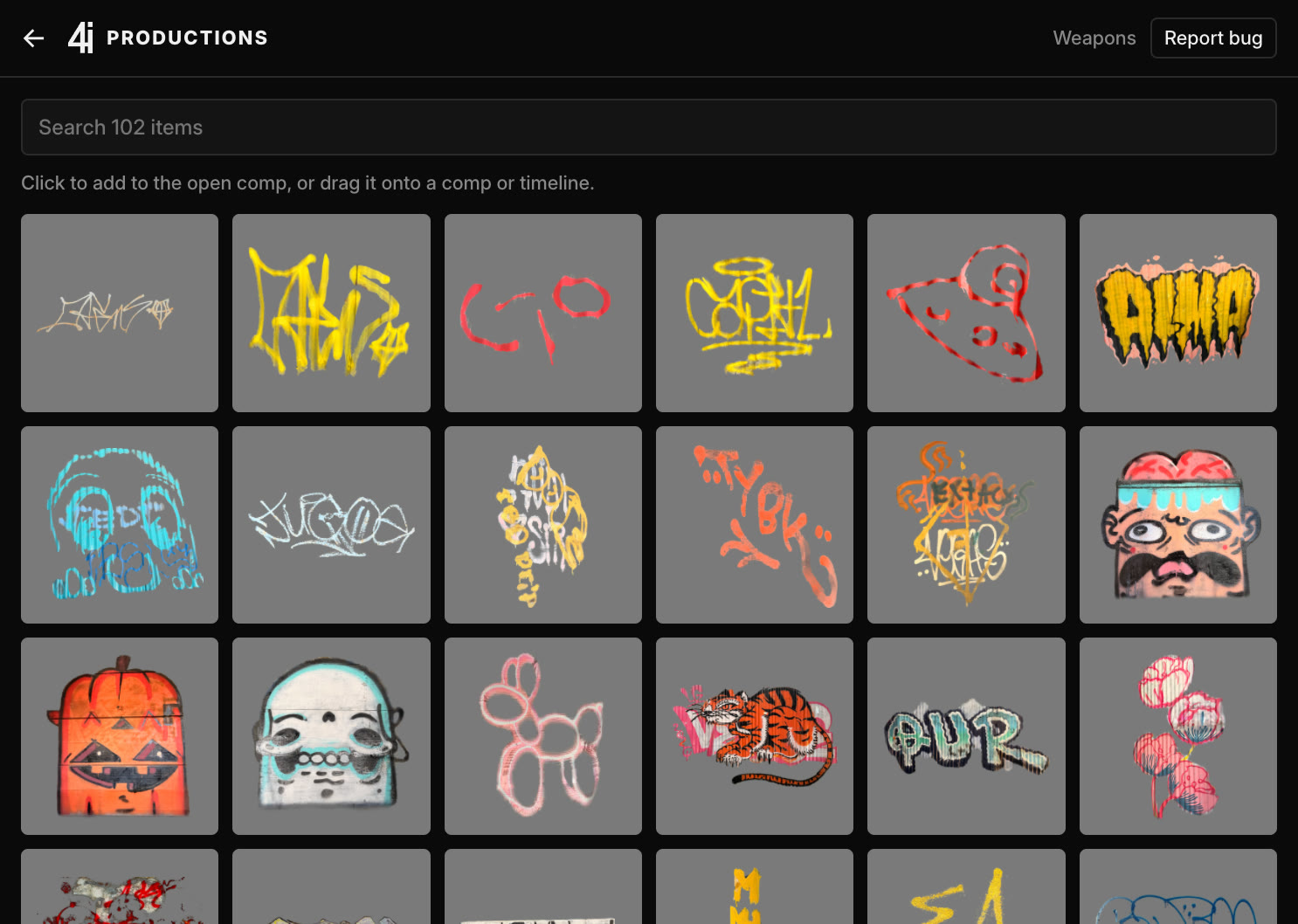
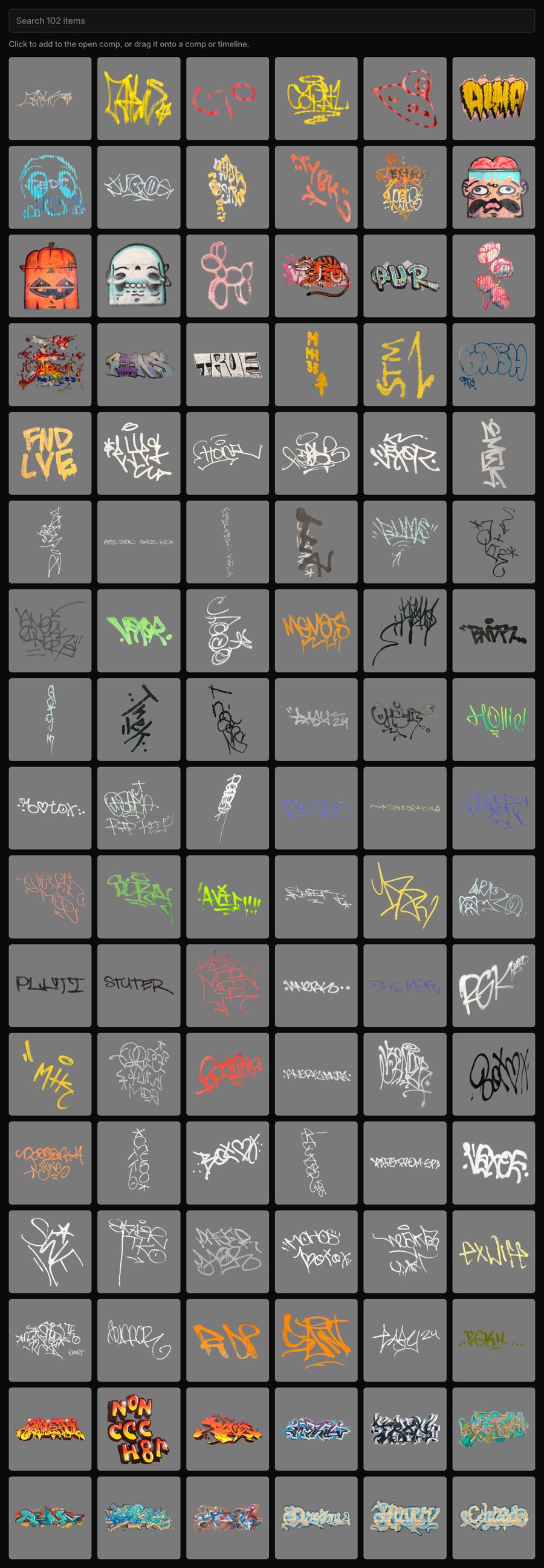
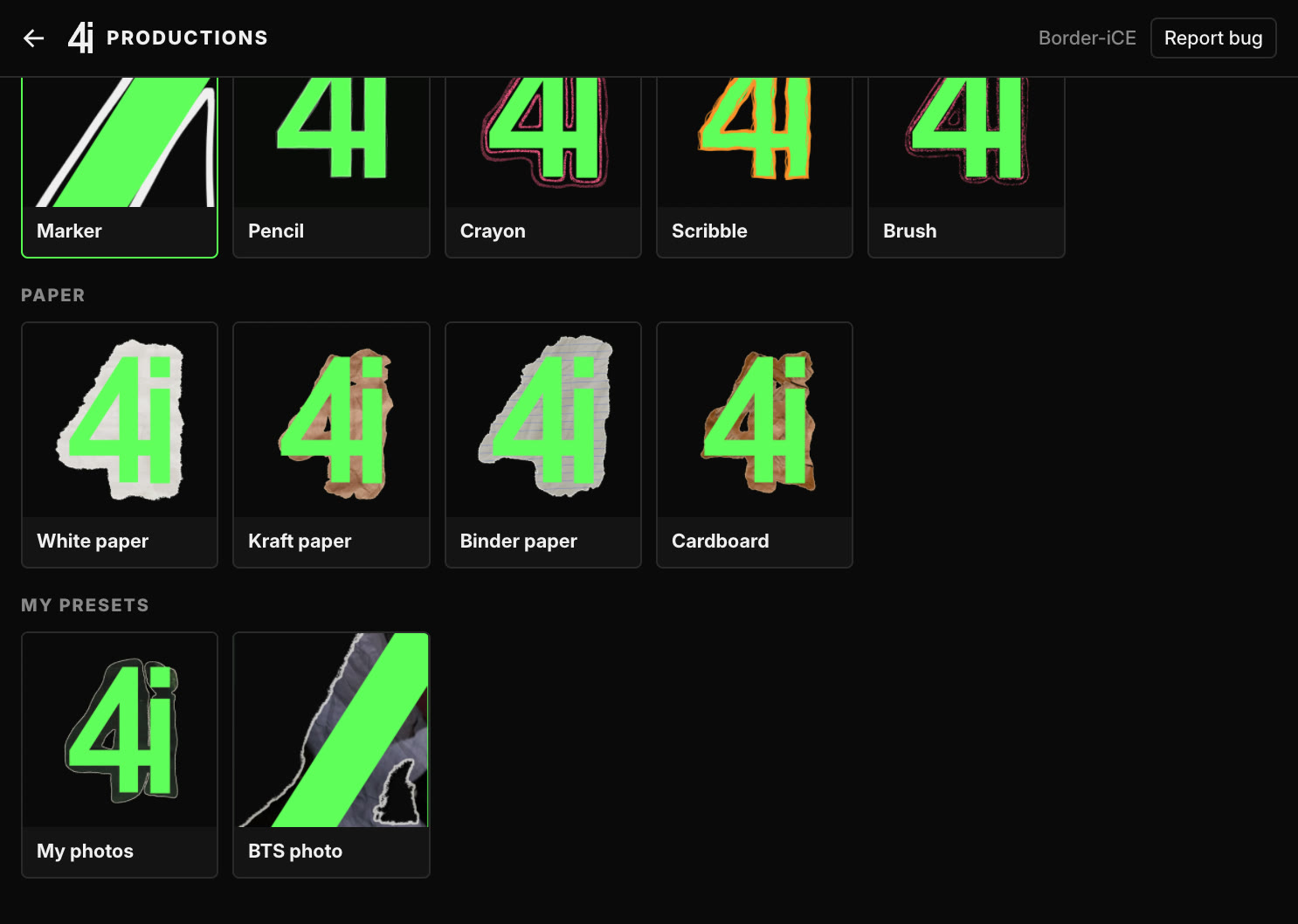
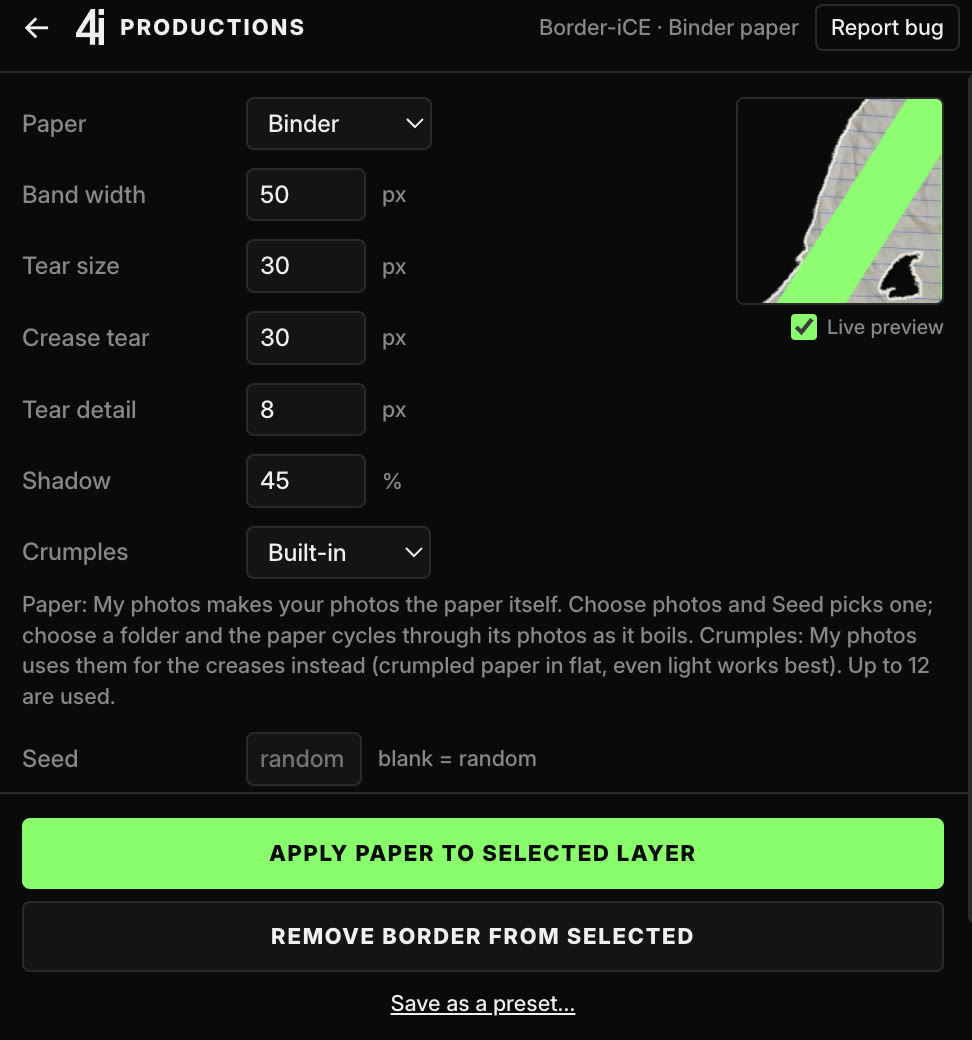
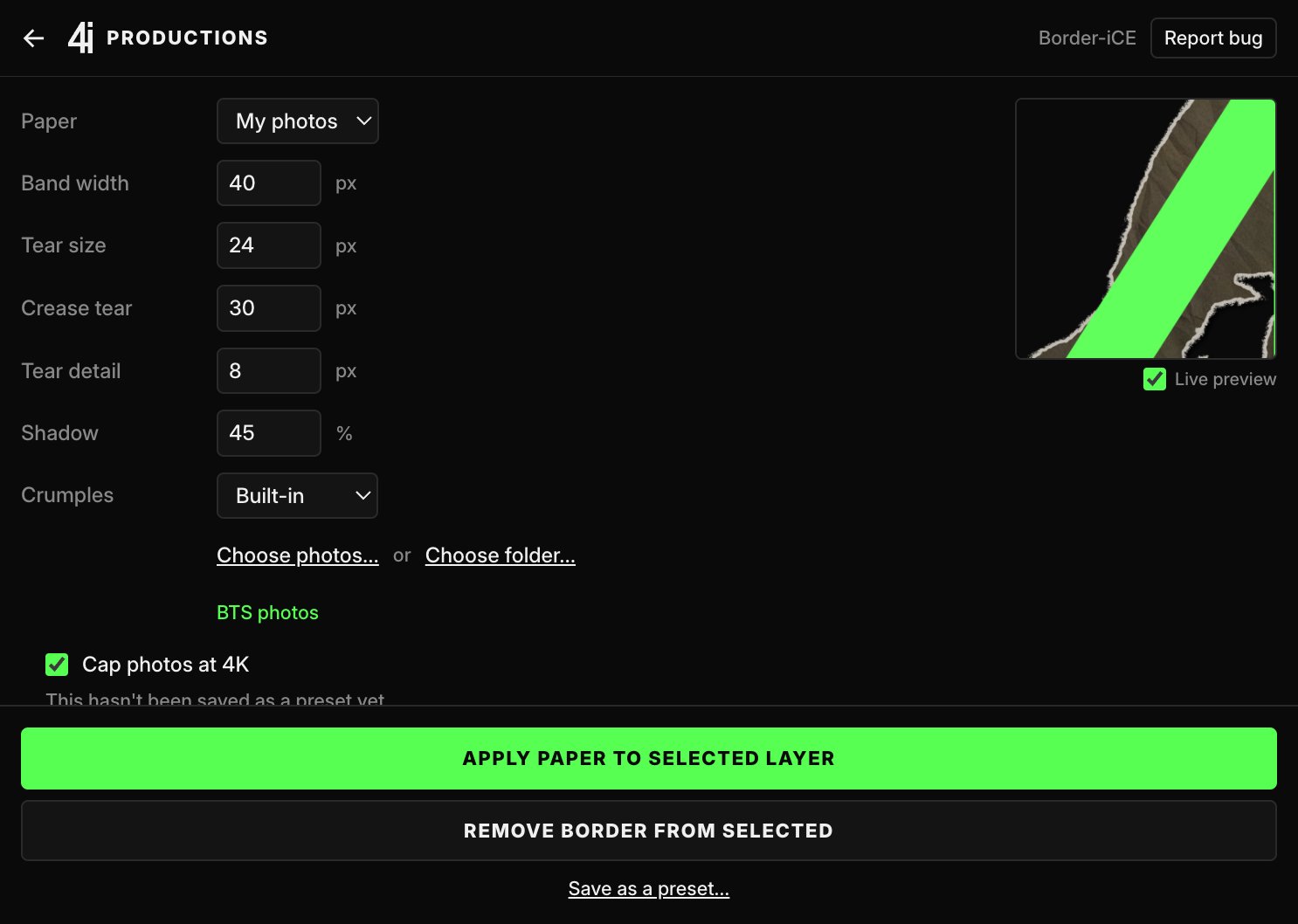
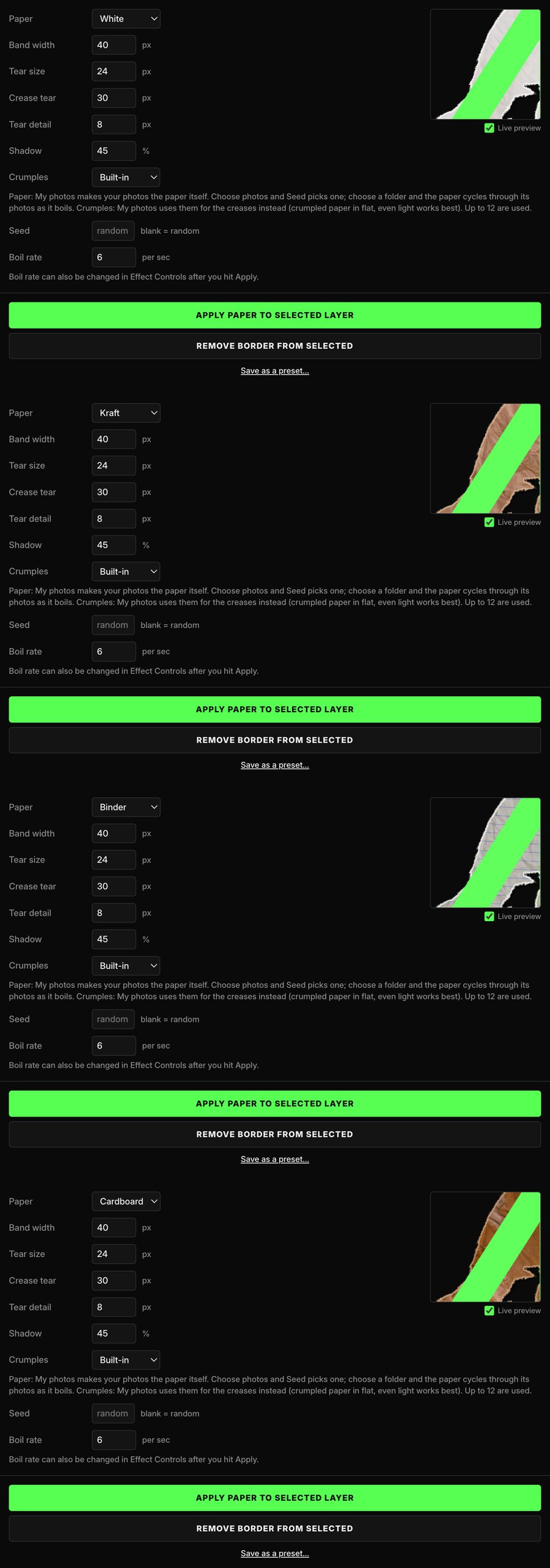
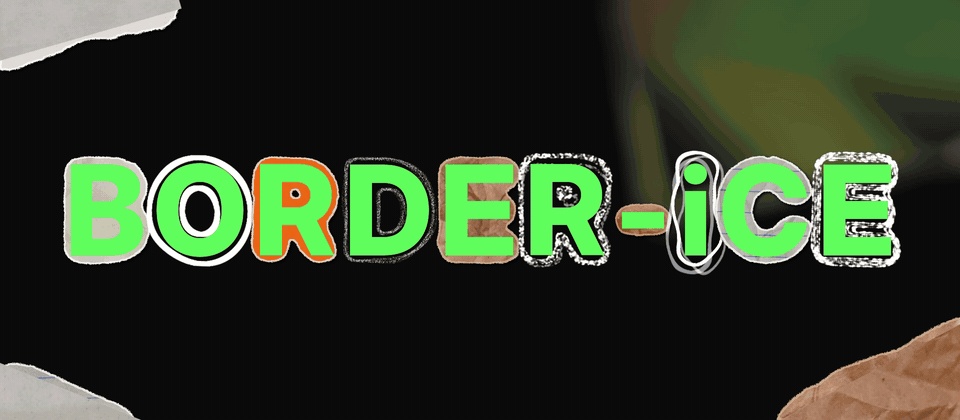
Border-iCE
Premiere
Free packs
After Effects
How it works
FAQ
Yes. The plugin is completely free to download and use in your editor with our free asset and effects packs. Create an account to download and use it in your software.
Our graphic asset packs work in both Adobe After Effects and Premiere Pro, version 2023 or newer. The effects packs, like Border-iCE is a tool for After Effects only. Request a feature if you'd like to see more compatibility in the future.
Yes. The Mac version is fully tested. The Windows version is in beta. If something goes wrong, please tell us with the Report bug button in the plugin or here.
Yes, in order to use the native Premiere and AE plugin, you will make an account. Your account keeps track of your packs, purchases, and more. You can download the graphic asset packs without an account to use however you'd prefer (like in other editing softwares we don't currently support).
Download the installer for Mac or Windows above, open it, and follow the installation instructions in the installer. If your computer warns that it's from an unidentified developer or an unknown publisher, that's expected: on a Mac, go to System Settings → Privacy & Security and click Open Anyway; on Windows, click More info → Run anyway. Then restart After Effects or Premiere and open the plugin from Window → Extensions → 4i. If you're having trouble please contact support.
Into a 4i Packs folder:
Mac: your user Library → Application Support → 4i → Packs
Windows: %APPDATA%\4i\Packs
The Packs folder link at the bottom of the plugin opens it for you.
Yes, in personal and client projects. Just don't resell or share the pack files themselves.
To remove a pack, open Get packs in the plugin and click Remove under it. To uninstall the plugin, open Get packs and click Uninstall plugin at the bottom, then choose whether to keep your packs. Restart After Effects or Premiere to finish.
Use the Report bug button at the top of the plugin, or the Support page on 4iproductions.com. If you've lost access to your account, the Support page walks you through getting it back.